How to Convert Spotify Music to MP3 (2026 Guide)
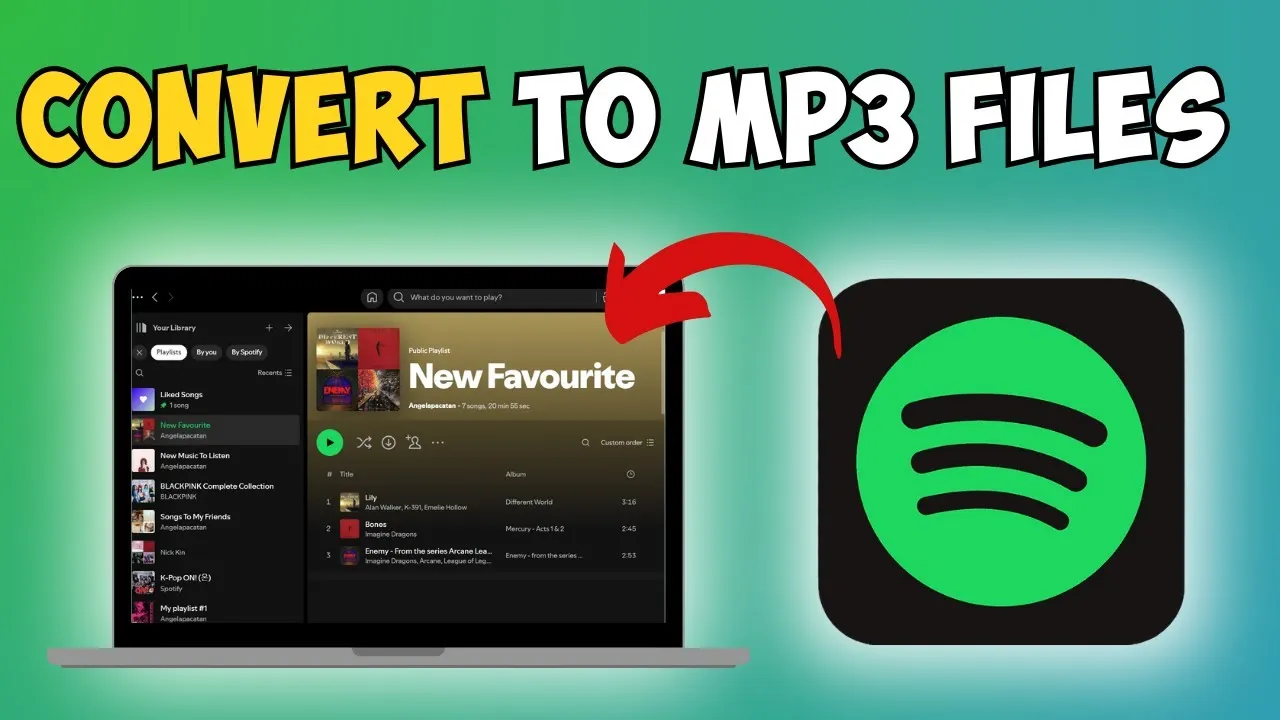
The desire to convert music from streaming services like official Spotify into a versatile format like MP3 is a common one. While Spotify primarily uses the Ogg Vorbis format for its streams and downloads, there are two primary methods to approach this conversion for personal offline listening.
If you’re looking for different ways to access Spotify’s listening features, whether you’re using a specific installation file or seeking methods for various operating systems, you might be interested in resources like our guide on the Spotify APK for Android users, or how to get Spotify running on a computer with our Spotify for PC guide.
We will explore both the method using the official Spotify Premium feature for in-app downloads and an alternative method using online tools.
Method 1: Utilizing the Official Spotify Premium Download Feature
The most straightforward way to have access to your favorite music offline is by using the download feature provided by your official Spotify Premium subscription.
It is important to understand that while this feature allows you to listen to music offline, the files are encrypted and are not standard MP3 files that can be moved or played outside the Spotify application. This same principle applies whether you are using the app on a desktop, on a mobile device, or specifically on an Apple product, where we have a dedicated article about Spotify for iOS.
Step 1: Access Your Spotify Account
Begin by opening your official Spotify account on your desktop or mobile device.
Step 2: Navigate to Your Library and Playlist
Tap on the Library icon to expand your saved music. You will be given two choices: Playlists and Artists. You will need to select the Playlist option.
Step 3: Select and Download Your Playlist
Select the specific playlist that you wish to have available offline. Inside the playlist, you will see a Download icon (typically an arrow pointing down).
- Crucial Note: You can only tap on the download icon and access this feature if you have an official Spotify Premium account.
As of now, the only way for us to ‘convert’ Spotify music to MP3 files using an official in-app method is by downloading all the songs that we have on our playlist. Keep in mind that you absolutely need to have an official Spotify Premium account so that you are able to access the download option and store songs for offline playback within the application.
Method 2: Converting via an Online Link-Based Tool
For users seeking a traditional MP3 file that can be played on any device (though this often involves using third-party services that search and download a matching track from other sources, which may raise quality and legal concerns), a second method involves using online conversion websites.
Step 1: Find and Copy the Song Link
- Search for the desired song on the official Spotify app or web player.
- Click on the three dots next to the song title.
- Select Share, and then click on Copy Link (or Copy Song Link).
That’s it for the first part! You now have the shareable link for the track.
Step 2: Use an Online Conversion Tool
- Open your web browser (like Safari) and search for an online “Spotify to MP3” converter tool.
- Navigate to one of the available websites.
- Click on the area to paste link or search for a song. Paste the link you copied in the previous step.
- Initiate the conversion/download process.
Step 3: Download the MP3 File
- The tool will process the link, and you will be prompted to Download. Click this button.
- You may be asked to click “Download” again to confirm the file saving process. Make sure that your Wi-Fi is quick enough to download the file fast.
- Once the process is complete, you can find the downloaded MP3 file in your device’s downloads folder. This is your MP3 file from the song that you linked.
This is exactly how this process works using an online tool. If you are looking for more details on getting the Spotify application itself, you can always check out our resources on the various versions available, such as the direct link to the Spotify APK.

I’m martably passionate music enthusiast and researcher behind all the content you find here at spotifyapk.
As the site’s owner and publisher, my mission is simple: to provide clear, informative, and useful guides on the ever-evolving world of digital music platforms. Follow the journey and connect on Instagram: @martably! This site is dedicated to informational purposes, fueled purely by a love for music.